 Spectral Web Services
Another way to footnote in Ghost
I wanted something with superscripts that worked in email. Here's the result.

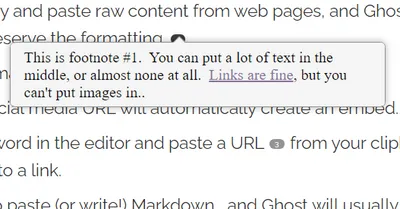
I've been fairly happy with my approach to footnotes for web,1 but it falls flat in email and on ActivityPub.
I've known for a while that copy and paste into Ghost occasionally yields formatting that isn't really supported by the built-in editor, including superscripts. Today, I'll show you how to take advantage of that, to produce better-formatted footnotes, without too much fuss.
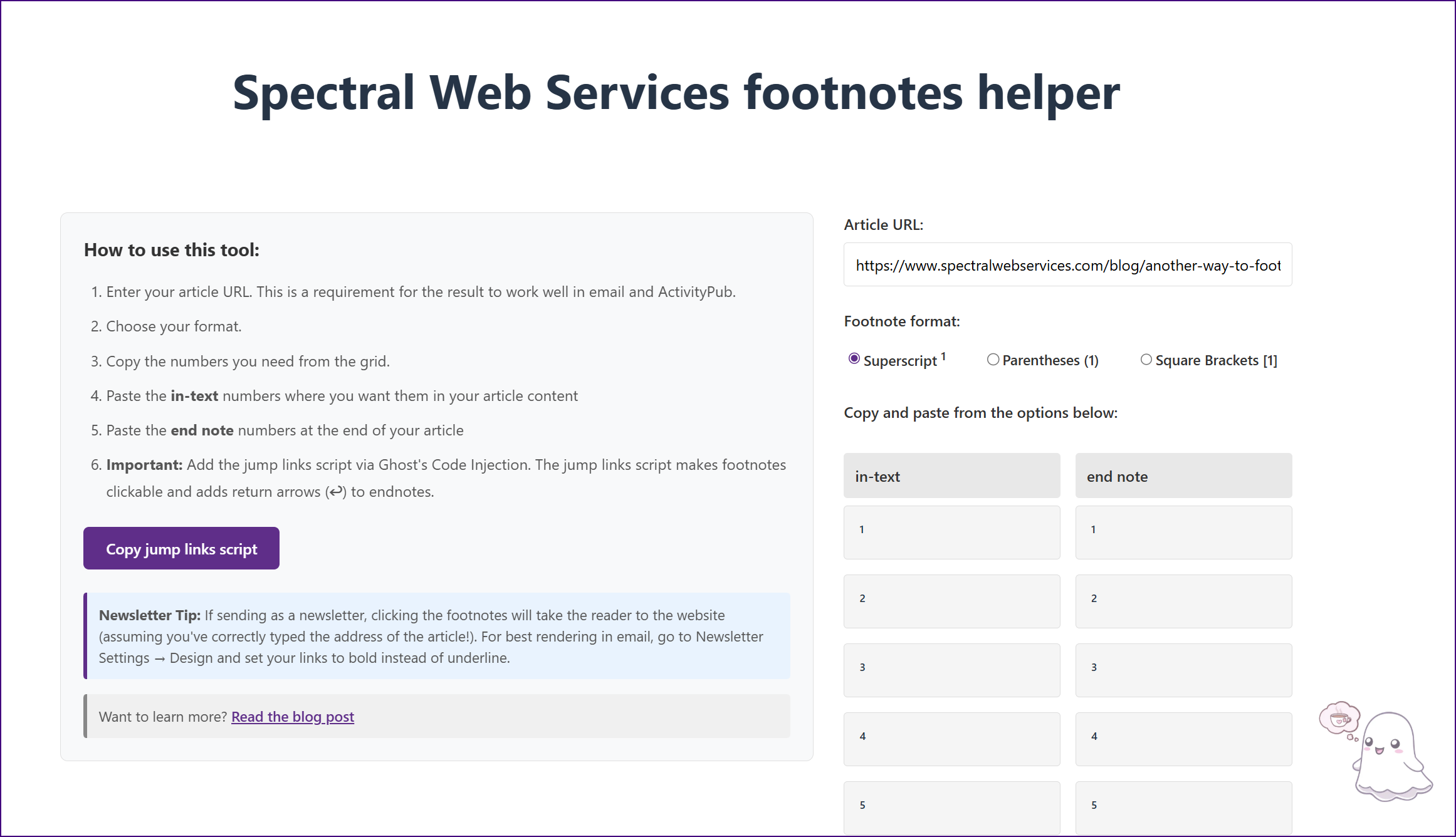
A key part of reducing the fuss was standing up a little React app that provides ready-made footnotes, for copying and pasting into Ghost's editor. While that's not quite as nice as having a built in tool, it does reduce the annoyance somewhat - I hope!
Not interested in how it works and just want to try it? That's fine, just head on over to the footnotes tool.2
How it works
While cutting and pasting superscripts works, and cutting and pasting links works, id tags (needed for native jump links) do not work. They get stripped by Ghost's editor.
So here's what I settled on: I paste a link with an href (destination) that includes the footnote's number, like "https://{link-to-your-article}#fn2". This causes newsletter clicks to bring the reader to your newsletter.
Then on the web, I run some javascript that grabs the # part of the path and figures out where that footnote is (actually #end2), and scrolls the window there. And some javascript that adds "jump back" arrows to the end of text footnotes. And some more javascript that handles the all-web footnote clicking.
Yeah, there's a little javascript. But the real question... How's it look in email? Like this! 👇
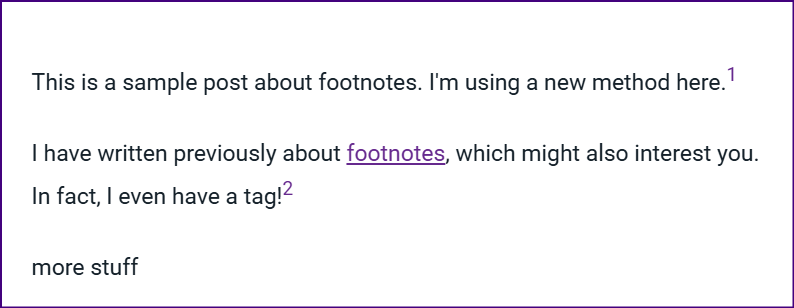
What happens when you click a footnote in email? It takes the user to the website. I consider this more of a feature than a bug. It even scrolls to the right spot.
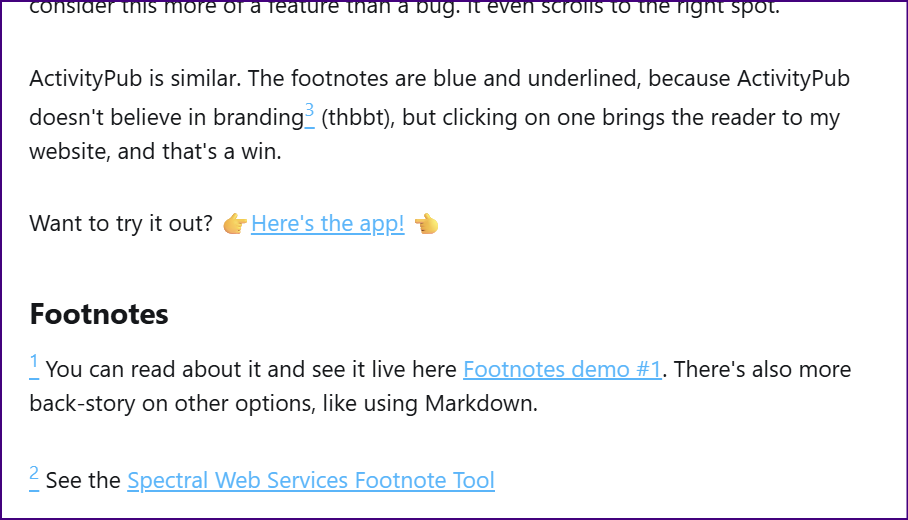
ActivityPub is similar. The footnotes are blue and underlined, because ActivityPub doesn't believe in branding3 (thbbt), but clicking on a footnote brings the reader to my website, and that's a win.
Want to try it out? 👉Here's the app! 👈
Footnotes
1 You can read about it and see it live here Footnotes demo #1. There's also more back-story on other options, like using Markdown.
2 See the Spectral Web Services Footnote Tool
3 I really really want to like ActivityPub, but I'd really like the option to federate just the excerpt, and/or a little control over what goes out (rather than it being all or nothing). So yeah, my feelings are sort of mixed.