 Spectral Web Services
Troubleshooting Haunts feeds
The goal is always hands-off and it just works, but...
Haunts checks out all your local haunts each day, to see what's new, what's changed, and occasionally what's been cancelled. This will ideally happen without any help from you or me.
When you visit your Haunts dashboard, you'll hopefully see row after row of ✅. This means Haunts ran, found events, and everything is good. Nothing to see here (although if you want to see what it found, just click the title).
Occasionally, you might see a ⚠️ symbol. That means something went wrong, although it's often just an internet hiccup that resolves on rerun. If you beat me to it, feel free to hit the refresh button, which often resolves the problem. Otherwise, I'll investigate in the morning while drinking my ☕.
The spot that can most use your attention is any feed marked as ❓. These are sources that didn't give an error, but didn't give any events either. These are the hardest to deal with. Is the source broken, or is it just off-season for whatever this source. I added a number of feeds this summer for school boards and small colleges. There were spring events, so I'm fairly optimistic there will be fall events once the students return, but they've been ❓all summer. If you see a venue that definitely has events in the next two months, but is still ❓, please flag it for me. It's really hard for my automations to tell the difference between "website got rearranged and the wizard needs a re-run" vs. "no student art shows until late fall".
If you notice you're missing events, here's how you can help:
- Visit the website and make sure there really are events at that source.
- If there are, copy the website url and drop it into the wizard.
- Let the wizard run and create a new haunt. Wait ~2 minutes while the events are retrieved. (The hourglass next to the event will disappear when done.)
- If your new haunt has events, then you can remove the old haunt, and the problem is solved.
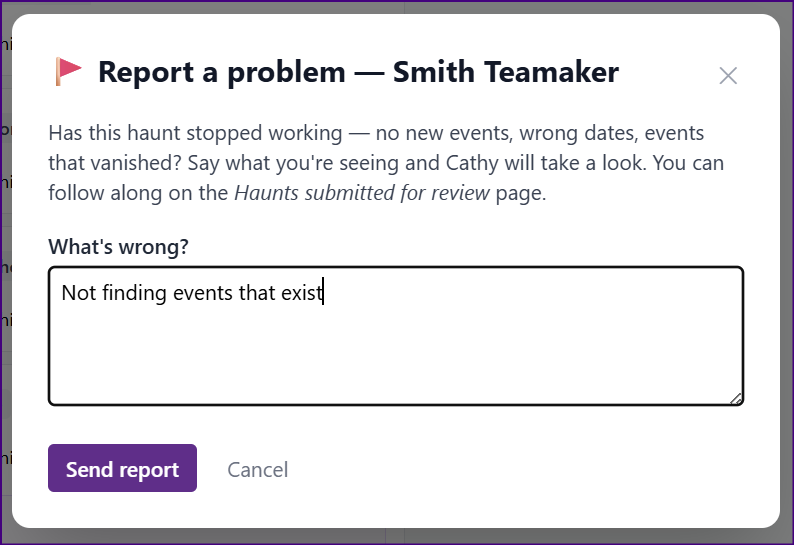
- Problem not solved? Look for the 🚩button to tell me I need to take a look.
What's new with Haunts?
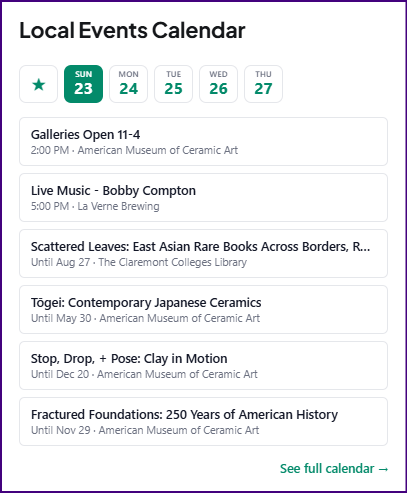
- Added a "mini" embed that sits nicely in your sidebar. Find the embed code in your 'setup' tab.
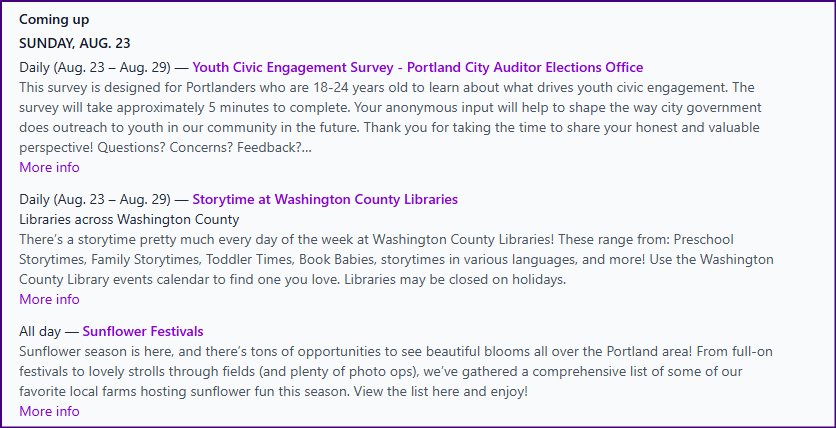
- Improved settings for the newsletter-ready copy and paste block in the 'export' tab. If you send a weekly newsletter, this thing should save you some time! (And if you need a different format, please let me know!)
- Added a button to make it easier to report a feed problem.
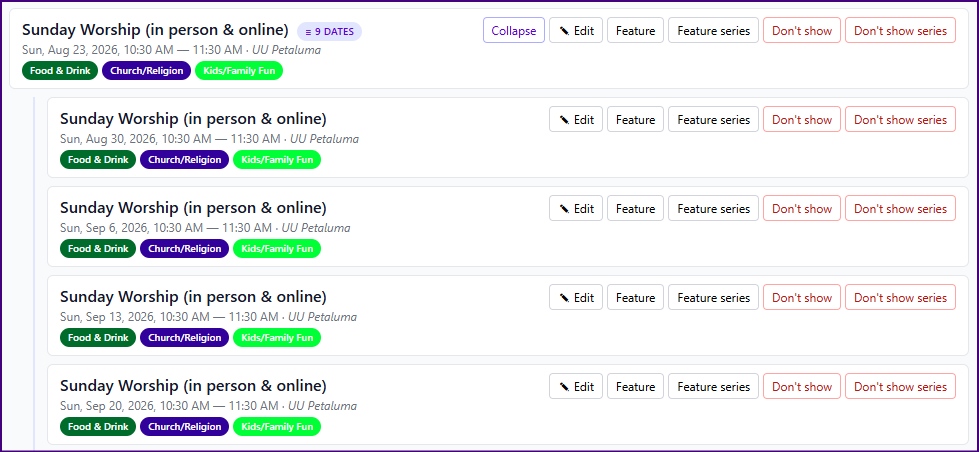
- Added more grouping for recurring events, making it easier to feature/hide/edit every occurrence at once.
- Added the ability to block an unwanted image (i.e. Zoom or Instagram logos getting used as event images).
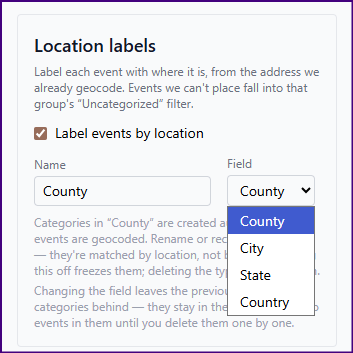
- Added geolocation labels – if you'd like your events categorized by city/county/state/country, we can do that now! (Paid feature.)
- Added some new layout options, including week view. Find these under 'setup'.
- Fixed WP Events Calendar ingestion to get the full window, not just the first 30 events.
- Added the ability to recognize and ingest several additional calendar types in use in school, music venues, and more.
- Added yet another Google calendar detection pattern.
- Added an "ask your own AI" option for building scrapers. If you try the wizard and it fails, give it a shot. I'm having good results with Claude.
As always, I'm super interested in your feedback. What's working well, and where is Haunts coming up short?
And a final request: Would you please tell your network about Haunts? https://gethaunts.com would be a good URL to share.