 Spectral Web Services
More mucking around with 'custom' cards - wrapped text
Yes, everyone wants to wrap text. No, there are no great in-editor solutions. But... this gets sort of close.

Did you know I'm on a card-building kick? Specifically, building things that look 'right' on web, in email, AND on ActivityPub. Well I am! You can check it out over here:


This post is mostly a spike – a test of an idea that's maybe only half-baked, but needs to be built because building it will be informative.
I would love to hear back from you, especially if it came with a screenshot of how test #1 looks in your favorite email client, and what that email client is. 😄
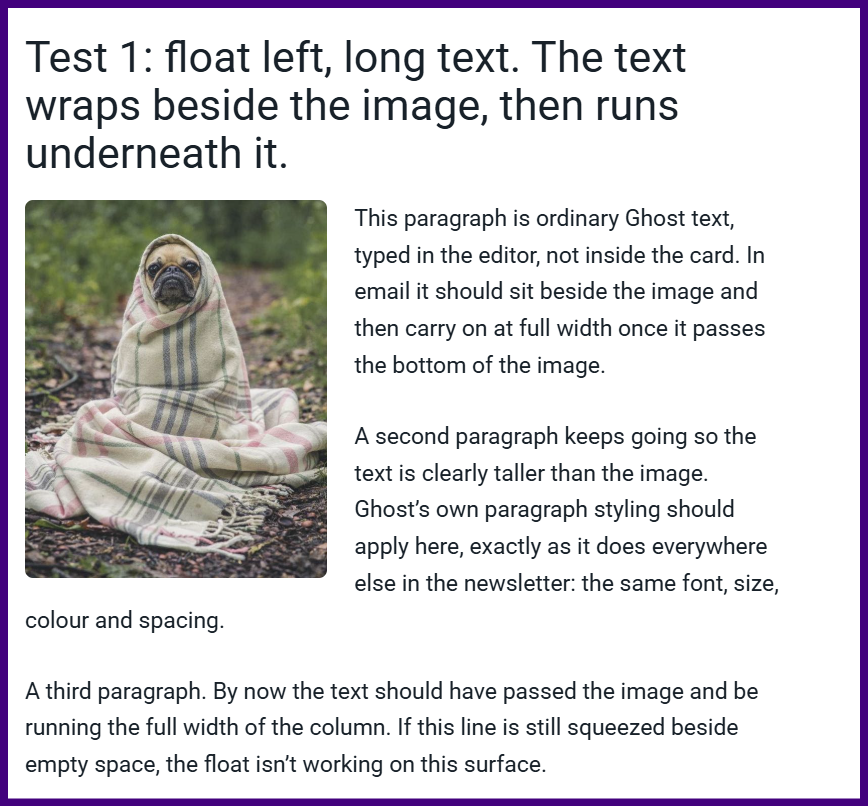
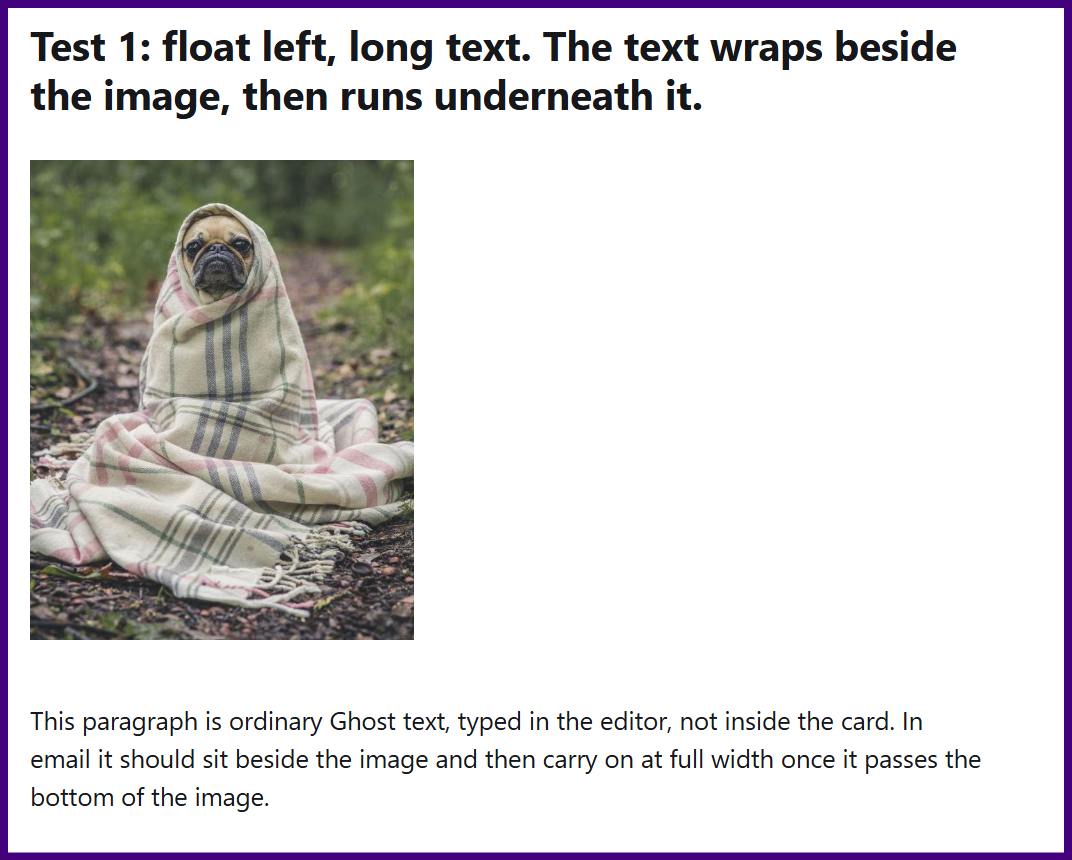
Test 1: float left, long text. The text wraps beside the image, then runs underneath it.
This paragraph is ordinary Ghost text, typed in the editor, not inside the card. In email it should sit beside the image and then carry on at full width once it passes the bottom of the image.
A second paragraph keeps going so the text is clearly taller than the image. Ghost’s own paragraph styling should apply here, exactly as it does everywhere else in the newsletter: the same font, size, colour and spacing.
A third paragraph. By now the text should have passed the image and be running the full width of the column. If this line is still squeezed beside empty space, the float isn’t working on this surface.
A fourth paragraph, for good measure, so the flow under the image is easy to see on a wide screen as well as in the email column.
Test 2: float right, short text, end card = clear div.
Only one short paragraph here, so the image is taller than the text and the end card has to clear the float.
End of the test post. (This text should NOT be wrapped around the image.)
Results
In the editor
Here's how my 'cards' look in the editor– only the image and closing snippet are html - everything else is native editor.
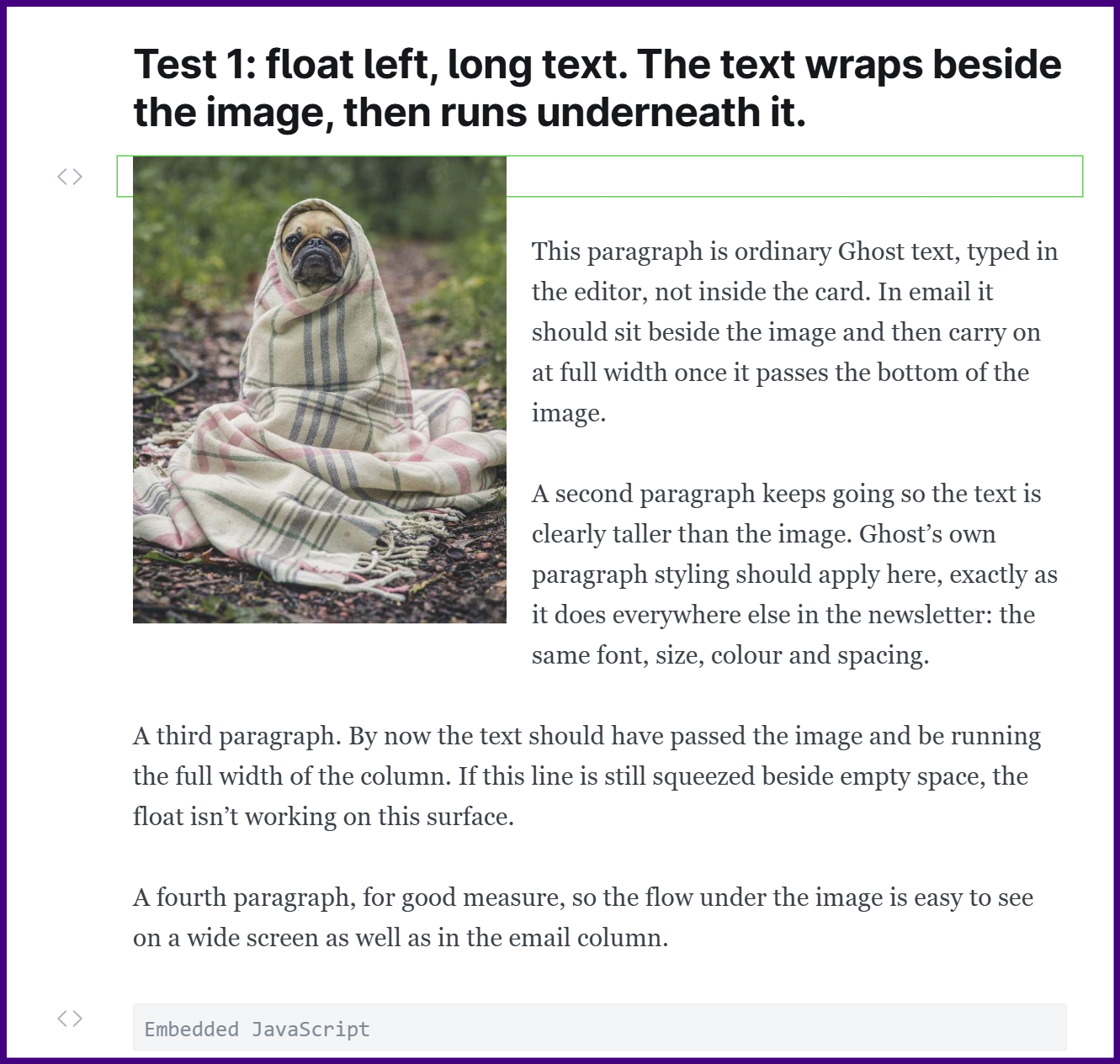
Aside: Using my new copy-paste trick, so the whole card is one copy paste, and then you can just type in your text in the Ghost editor.
How my card looks in email
Gmail:
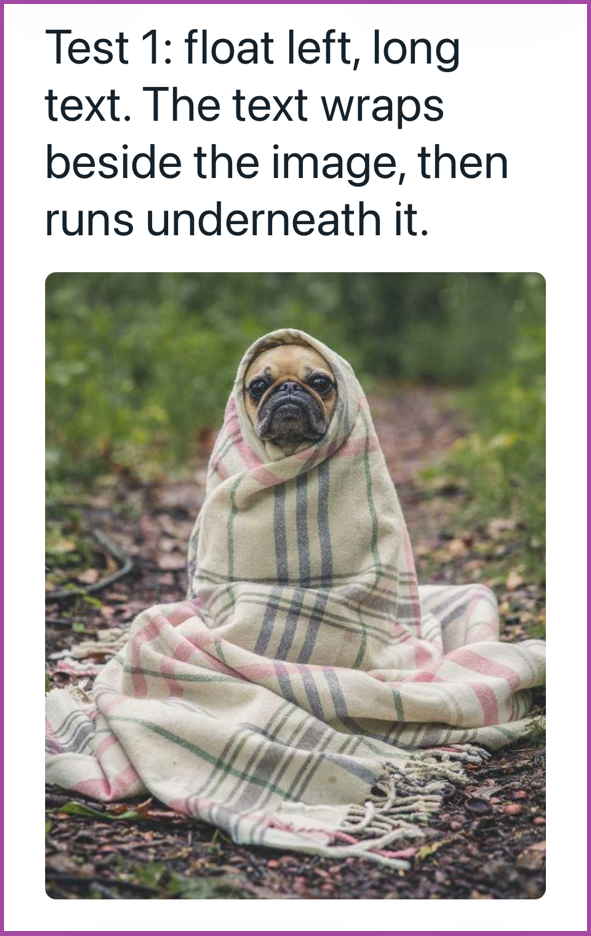
iOS mail (iPhone):
ActivityPub/"Network"
No, I don't have wrapping working in ActivityPub. I CAN make wrapping work, but only if I build the whole thing as HTML, which means you would have to edit your text as HTML. Should we go there? I kind of don't think so, but I'm interested to hear what you think! So... time for a poll!
So... what's the best way to do wrapping on all three surfaces?
Make text wrap everywhere including ActivityPub, even if it's hard to edit it later
👆Why yes, that is indeed a cross-surface poll! Go ahead and click it, hmm?
For those of you just getting here, yep, launched!

This is just a demo. It's a live copy and paste from over on my tools site, using the cutest image I could put my hands on.
- bullets
- bullets work better if the image is on the right, so you should do that.
- right side bullets = Cathy cries.
Yeah, seriously, I don't think I can get bullets that land to the right of a floated image to work in a way that isn't janky, so floated image on the RIGHT side is now the preferred and recommended mode. Do that.
Ready to get your own embedded images?